Adding Scroll Animations to Shopify Product List in 5 minutes!
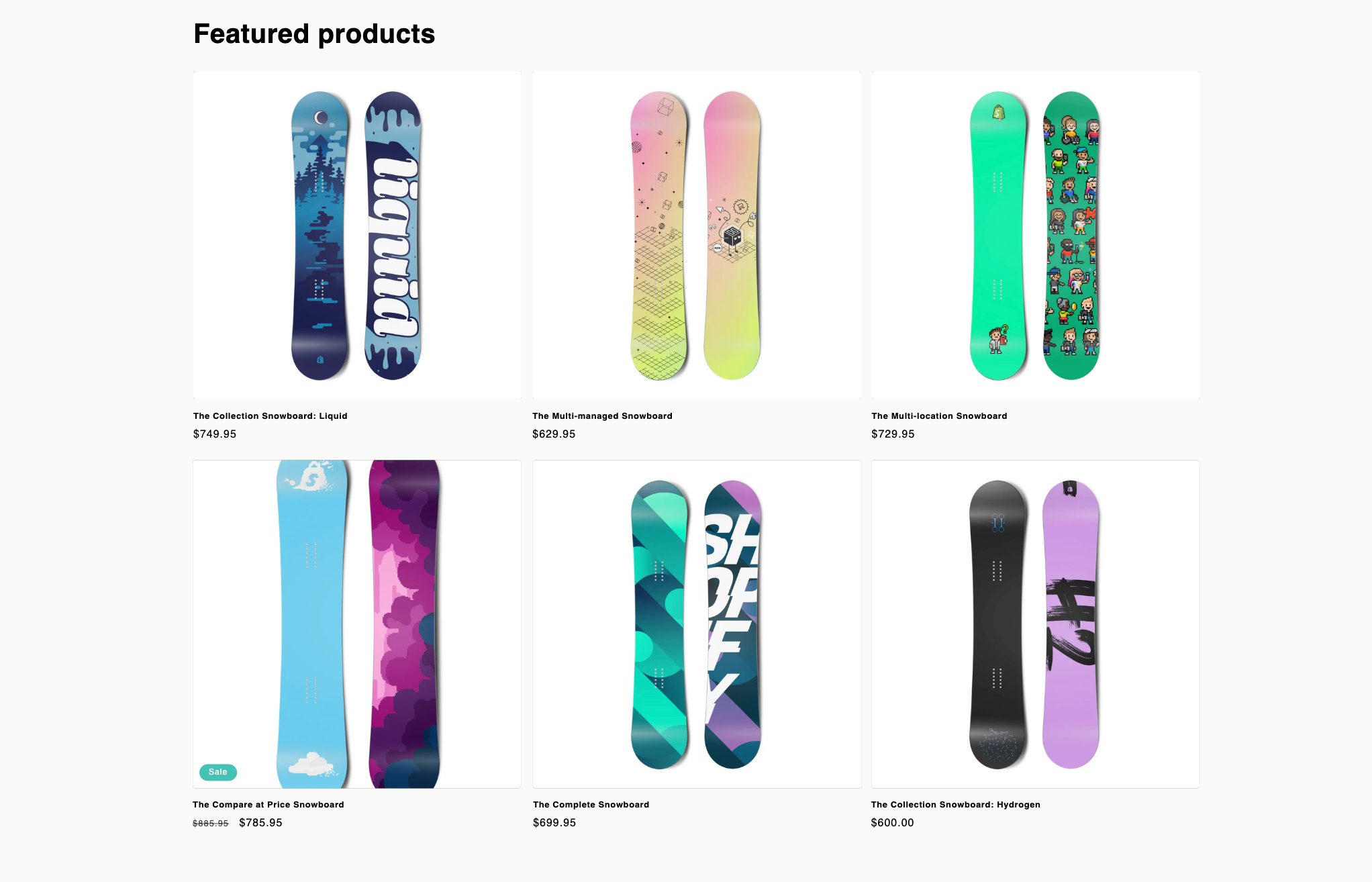
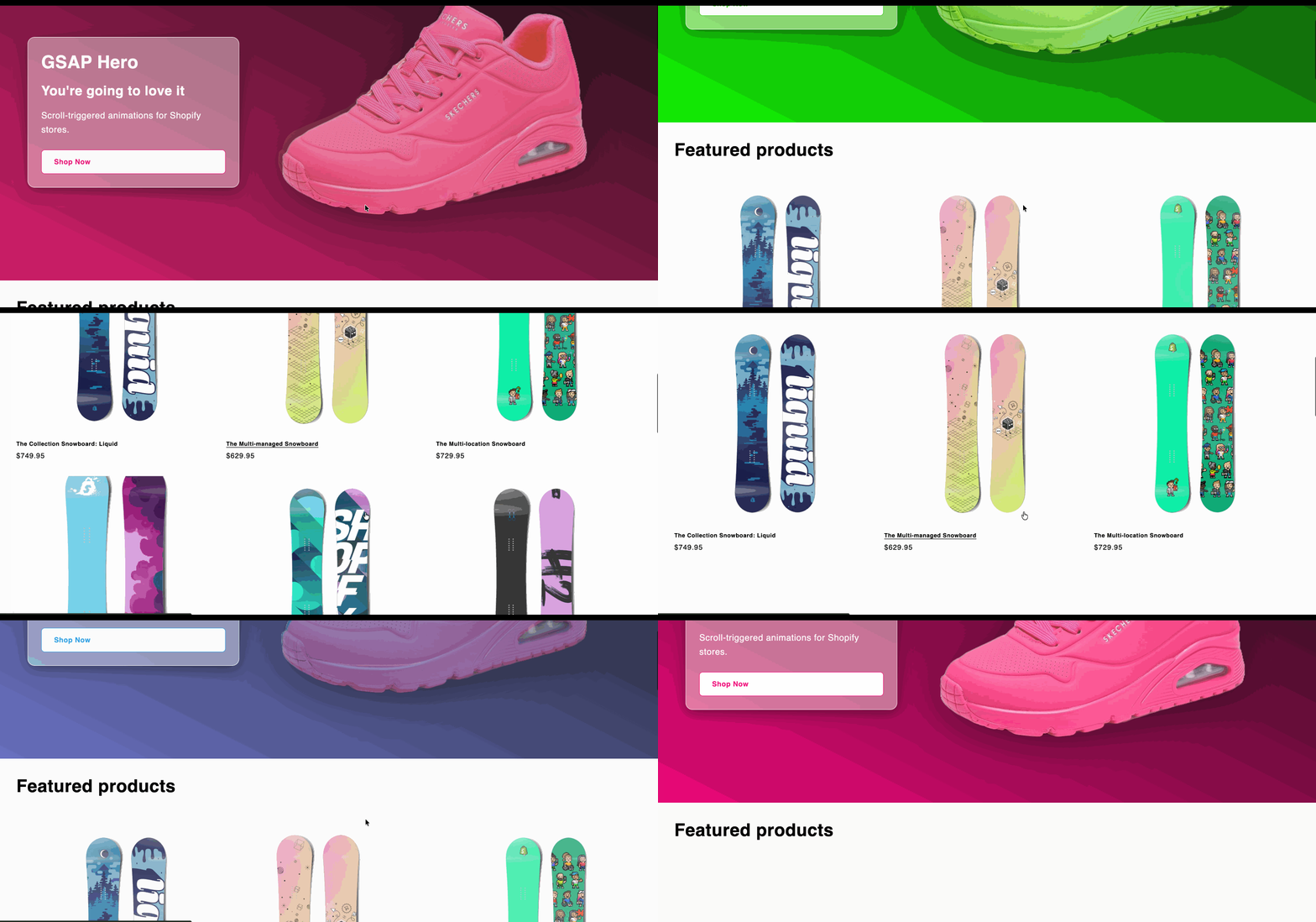
Want to make your Shopify product grid feel more dynamic and alive? In this tutorial, I’ll show you how to easily add smooth, scroll-triggered animations to your Featured Collection section using the GSAP (GreenSock Animation Platform) library.
By the end, your product cards will slide in and fade beautifully as they come into view — creating a polished, professional look that draws attention to your products.
Prefer video?
Enjoy, otherwise read on!
What We’ll Be Building
We’ll be using GSAP’s ScrollTrigger plugin to animate each product card when it scrolls into view.
Here’s what happens:
-
Each product card starts slightly offset and faded out.
-
As the user scrolls down, cards slide and fade into place.
-
The animations are staggered and smooth for a premium feel.
Step 1: Open Your Featured Collection Section
From your Shopify dashboard:
-
Go to Online Store → Themes.
-
Click Edit code on your active theme.
-
In the Sections folder, find and open
featured-collection.liquid.
This file controls the layout and behavior of the Featured Collection on your homepage.
Step 2: Add the GSAP Animation Script
Scroll to the very bottom of your featured-collection.liquid file (just before the closing </section> tag, or after the existing script if one exists), and paste in the following code:
<script>
  document.addEventListener('DOMContentLoaded', function() {
    const selector = '.product-grid > .grid__item'

    function initAnimation() {
      if (!window.gsap || !window.ScrollTrigger) {
        return;
      }

      var cards = document.querySelectorAll(selector);
      if (!cards.length) return;

      window.featuredCollectionAnimations = window.featuredCollectionAnimations || {};
      var existing = window.featuredCollectionAnimations[selector];
      if (existing?.tweens?.length) {
        existing.tweens.forEach(function(tween) {
          tween.kill();
        });
      }
      if (existing?.triggers?.length) {
        existing.triggers.forEach(function(st) {
          st.kill();
        });
      }

      gsap.registerPlugin(ScrollTrigger);

      gsap.set(cards, { y: 60, opacity: 0.35 });

      var tweens = [];
      var triggers = [];

      cards.forEach(function(card, index) {
        var tween = gsap.fromTo(
          card,
          { y: 160, x: index % 2 === 0 ? 100 : -100, opacity: 0.35 },
          {
            y: 0,
            x: 0,
            opacity: 1,
            ease: 'power3.out',
            overwrite: 'auto',
          scrollTrigger: {
            trigger: card,
              start: 'top 85%',
              end: 'top 45%',
              scrub: 0.6,
              markers: false,
              invalidateOnRefresh: true
            }
          }
        );

        tweens.push(tween);
        if (tween.scrollTrigger) {
          triggers.push(tween.scrollTrigger);
        }
      });

      window.featuredCollectionAnimations[selector] = {
        tweens: tweens,
        triggers: triggers
      };

      ScrollTrigger.refresh();
    }

    function loadScript(src, dataAttr, callback) {
      var existingScript = document.querySelector('script[' + dataAttr + ']');
      if (existingScript) {
        if (existingScript.dataset.loaded === 'true') {
          callback();
        } else {
          existingScript.addEventListener('load', callback, { once: true });
        }
        return;
      }

      var script = document.createElement('script');
      script.src = src;
      script.defer = true;
      script.setAttribute(dataAttr, 'true');
      script.addEventListener('load', function() {
        script.dataset.loaded = 'true';
        callback();
      }, { once: true });
      document.head.appendChild(script);
    }

    function loadGSAP(callback) {
      if (window.gsap && window.ScrollTrigger) {
        callback();
        return;
      }

      var scriptsToLoad = [];
      if (!window.gsap) {
        scriptsToLoad.push(function(next) {
          loadScript(
            'https://cdnjs.cloudflare.com/ajax/libs/gsap/3.12.5/gsap.min.js',
            'data-featured-collection-gsap',
            next
          );
        });
      }
      if (!window.ScrollTrigger) {
        scriptsToLoad.push(function(next) {
          loadScript(
            'https://cdnjs.cloudflare.com/ajax/libs/gsap/3.12.5/ScrollTrigger.min.js',
            'data-featured-collection-scrolltrigger',
            next
          );
        });
      }

      var remaining = scriptsToLoad.length;
      if (!remaining) {
        callback();
        return;
      }

      scriptsToLoad.forEach(function(loader) {
        loader(function() {
          remaining -= 1;
          if (remaining === 0) {
            callback();
          }
        });
      });
    }

    loadGSAP(initAnimation);
  });
</script>
Step 3: How It Works
Let’s quickly break down what this script does:
-
Dynamic GSAP loading:
The script checks if GSAP and ScrollTrigger are already loaded; if not, it loads them via CDN. -
Animation setup:
It targets all elements with the selector.product-grid > .grid__item— which are your individual product cards. Make sure you inspect your code (watch video) if the animation does not work. You likely need to tweak this line for it to work. -
Scroll-triggered animation:
As each card scrolls into view, it smoothly animates from offset and semi-transparent to fully visible and in position. -
Performance-friendly:
The script safely kills any old animations and ScrollTriggers when re-initialized to avoid duplicates.
Optional: Adjusting the Animation
Want to tweak the effect?
You can adjust these properties inside the fromTo method:
{ y: 160, x: index % 2 === 0 ? 100 : -100, opacity: 0.35 }Try changing:
-
The y and x values for how far the card slides.
-
The opacity for how faded it starts.
-
The start and end values inside
ScrollTriggerfor when the animation triggers.
Example:
start: 'top 90%',
end: 'top 50%',
Step 4: Save and Preview
Click Save, then open your store’s homepage and scroll down to your Featured Collection.
You should now see each product card animate gracefully as it enters the viewport!
Final Thoughts
Adding subtle scroll animations like this is an easy way to make your Shopify store feel more interactive and engaging. GSAP is lightweight, performant, and gives you precise control over every animation.
If you’re comfortable with JavaScript, you can expand this technique to:
-
Animate text and buttons inside product cards
-
Add parallax effects to collection images
-
Or even chain multiple GSAP animations for a complete storytelling effect