← Back to blog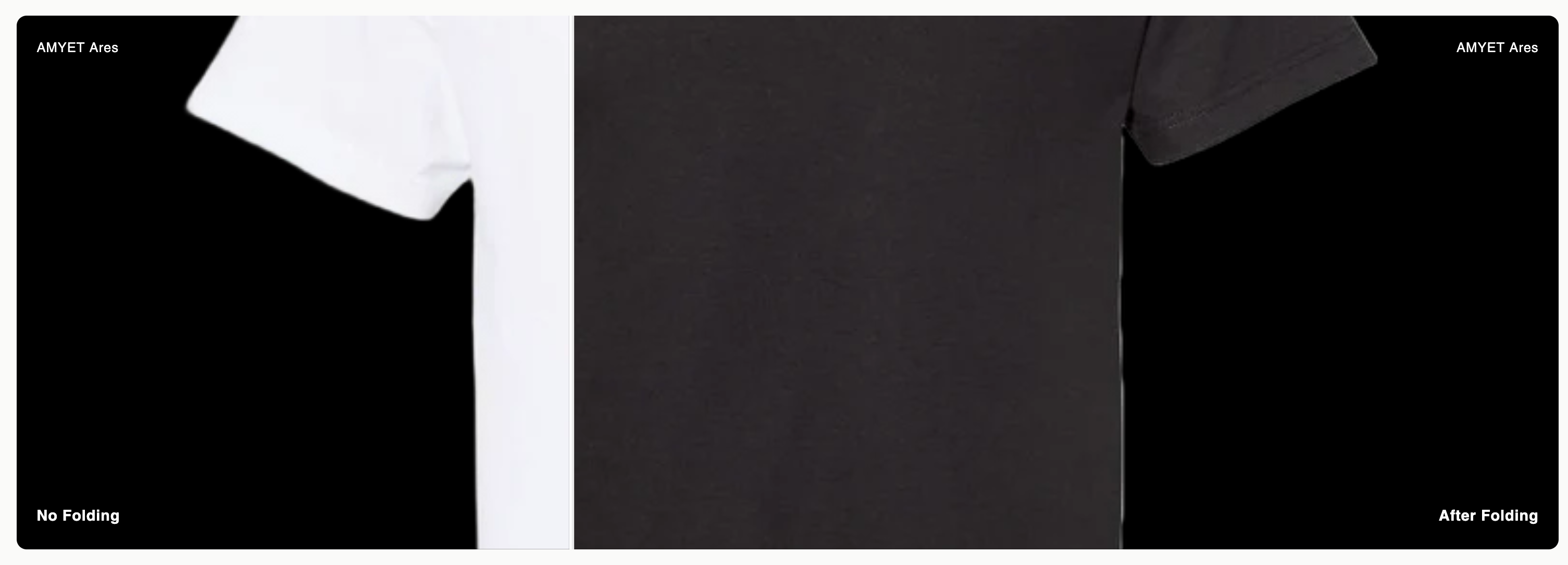
How to Add a Before/After Image Comparison Slider to Your Shopify Store
By Nicholas Drishinski ·
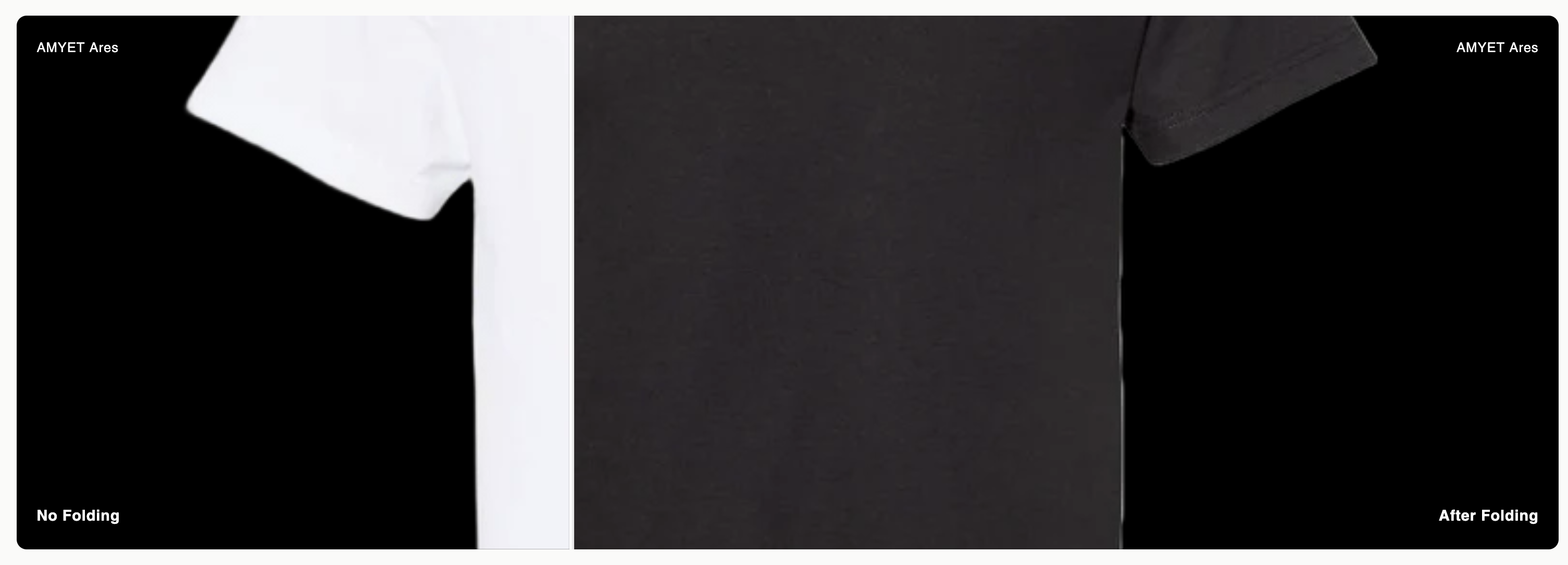
A before/after image comparison slider is a powerful tool for showcasing product transformations, demonstrating the effectiveness of your products, or highlighting improvements. This interactive element allows customers to drag a slider to compare two images side by side, making it perfect for beauty products, fitness transformations, home improvement items, or any product that shows visible results.
In this guide, we'll walk through how to add a professional before/after image comparison slider to your Shopify store using a custom section.
Prefer video?
Enjoy, otherwise read on!
What You'll Learn
- How to create and implement the before/after slider section
- Customization options and settings
- Best practices for image selection and optimization
- Mobile responsiveness considerations
- Troubleshooting common issues
Step 1: Create the Section File
First, you'll need to create a new section file in your Shopify theme. Here's how:
1. **Access Your Theme Files:**
- Go to your Shopify admin
- Navigate to **Online Store** → **Themes**
- Click **Actions** → **Edit code**
2. **Create the Section:**
- In the left sidebar, find the `sections` folder
- Click **Add a new section**
- Name it `before-after-slider.liquid`
3. **Add the Code:**
Copy and paste the complete section code (provided below) into the new file.
Step 2: The Complete Section Code
Here's the complete code for your before/after image comparison slider:
<style>
  .image-comparison-container {
    position: relative;
    width: 100%;
    height: 640px;
    overflow: hidden;
    border-radius: 12px;
    background: #000;
  }

  @media (max-width: 768px) {
    .image-comparison-container {
      height: 400px;
    }
  }

  @media (max-width: 480px) {
    .image-comparison-container {
      height: 300px;
    }
  }

  .image-comparison-before,
  .image-comparison-after {
    position: absolute;
    top: 0;
    left: 0;
    width: 100%;
    height: 100%;
  }

  .image-comparison-before {
  z-index: 1;
  clip-path: polygon(0% 0%, 50% 0%, 50% 100%, 0% 100%);
  transition: clip-path 0.1s ease;
}

  .image-comparison-before img,
  .image-comparison-after img {
    width: 100%;
    height: 100%;
    object-fit: cover;
    display: block;
  }

  .image-comparison-after {
  clip-path: polygon(50% 0%, 100% 0%, 100% 100%, 50% 100%);
  transition: clip-path 0.1s ease;
  z-index: 2;
}

  .image-comparison-slider {
  position: absolute;
  top: 0;
  left: 50%;
  width: 6px;
  height: 100%;
  background: rgba(255, 255, 255, 0.9);
  cursor: ew-resize;
  z-index: 10;
  transform: translateX(-50%);
  box-shadow: 0 0 0 1px rgba(0, 0, 0, 0.1);
  transition: background 0.2s ease;
}

.image-comparison-slider:hover {
  background: rgba(255, 255, 255, 1);
  width: 8px;
}

  .image-comparison-handle {
  position: absolute;
  top: 50%;
  left: 50%;
  width: 60px;
  height: 60px;
  background: rgba(255, 255, 255, 0.95);
  border: 3px solid rgba(0, 0, 0, 0.15);
  border-radius: 50%;
  transform: translate(-50%, -50%);
  cursor: ew-resize;
  display: flex;
  align-items: center;
  justify-content: center;
  box-shadow: 0 4px 12px rgba(0, 0, 0, 0.25);
  transition: all 0.2s ease;
}

.image-comparison-handle:hover {
  background: rgba(255, 255, 255, 1);
  transform: translate(-50%, -50%) scale(1.1);
  box-shadow: 0 6px 16px rgba(0, 0, 0, 0.3);
}

.image-comparison-handle:active {
  transform: translate(-50%, -50%) scale(1.05);
}

  .image-comparison-handle::before,
  .image-comparison-handle::after {
    content: '';
    position: absolute;
    width: 0;
    height: 0;
    border-style: solid;
  }

  .image-comparison-handle::before {
  border-left: 8px solid transparent;
  border-right: 8px solid #333;
  border-top: 8px solid transparent;
  border-bottom: 8px solid transparent;
  left: 10px;
}

.image-comparison-handle::after {
  border-left: 8px solid #333;
  border-right: 8px solid transparent;
  border-top: 8px solid transparent;
  border-bottom: 8px solid transparent;
  right: 10px;
}

.image-comparison-container:hover .image-comparison-slider {
  background: rgba(255, 255, 255, 1);
  width: 8px;
}

.image-comparison-container:hover .image-comparison-handle {
  background: rgba(255, 255, 255, 1);
  box-shadow: 0 6px 16px rgba(0, 0, 0, 0.3);
}

  .image-comparison-label {
    position: absolute;
    bottom: 24px;
    color: white;
    font-size: 18px;
    font-weight: 600;
    text-shadow: 0 2px 4px rgba(0, 0, 0, 0.5);
    z-index: 5;
  }

  @media (max-width: 768px) {
    .image-comparison-label {
      font-size: 16px;
      bottom: 20px;
    }
  }

  @media (max-width: 480px) {
    .image-comparison-label {
      font-size: 14px;
      bottom: 16px;
    }
  }

  .image-comparison-label.before {
    left: 24px;
  }

  .image-comparison-label.after {
    right: 24px;
  }

  .image-comparison-brand {
    position: absolute;
    top: 24px;
    color: white;
    font-size: 16px;
    font-weight: 500;
    text-shadow: 0 2px 4px rgba(0, 0, 0, 0.5);
    z-index: 5;
  }

  @media (max-width: 768px) {
    .image-comparison-brand {
      font-size: 14px;
      top: 20px;
    }
  }

  @media (max-width: 480px) {
    .image-comparison-brand {
      font-size: 12px;
      top: 16px;
    }
  }

  .image-comparison-brand.before {
    left: 24px;
  }

  .image-comparison-brand.after {
    right: 24px;
  }

  .section-wrapper {
    padding: 40px 20px;
  }

  @media (max-width: 768px) {
    .section-wrapper {
      padding: 30px 16px;
    }
  }

  @media (max-width: 480px) {
    .section-wrapper {
      padding: 20px 12px;
    }
  }
</style>

<div class="section-wrapper">
  <div class="image-comparison-container" id="image-comparison-{{ section.id }}">
    <div class="image-comparison-before">
      {% if section.settings.before_image %}
        <img src="{{ section.settings.before_image | img_url: '1200x800' }}"
             alt="{{ section.settings.before_alt | default: 'Before image' }}"
             loading="lazy">
      {% else %}
        <img src="https://via.placeholder.com/1200x800/333333/ffffff?text=Before+Image"
             alt="Before image placeholder">
      {% endif %}
    </div>

    <div class="image-comparison-after">
      {% if section.settings.after_image %}
        <img src="{{ section.settings.after_image | img_url: '1200x800' }}"
             alt="{{ section.settings.after_alt | default: 'After image' }}"
             loading="lazy">
      {% else %}
        <img src="https://via.placeholder.com/1200x800/666666/ffffff?text=After+Image"
             alt="After image placeholder">
      {% endif %}
    </div>

    <div class="image-comparison-slider">
      <div class="image-comparison-handle"></div>
    </div>

    {% if section.settings.show_brand_labels %}
      {% if section.settings.brand_text %}
        <div class="image-comparison-brand before">{{ section.settings.brand_text }}</div>
        <div class="image-comparison-brand after">{{ section.settings.brand_text }}</div>
      {% endif %}
    {% endif %}

    {% if section.settings.show_labels %}
      <div class="image-comparison-label before">{{ section.settings.before_label | default: 'Before' }}</div>
      <div class="image-comparison-label after">{{ section.settings.after_label | default: 'After' }}</div>
    {% endif %}
  </div>
</div>

<script>
  document.addEventListener('DOMContentLoaded', function() {
    const container = document.getElementById('image-comparison-{{ section.id }}');
    const slider = container.querySelector('.image-comparison-slider');
    const afterImage = container.querySelector('.image-comparison-after');

    let isSliding = false;

    function updateSlider(x) {
      const containerRect = container.getBoundingClientRect();
      const containerLeft = containerRect.left;
      const containerWidth = containerRect.width;

      let percentage = ((x - containerLeft) / containerWidth) * 100;
      percentage = Math.max(0, Math.min(100, percentage));

      slider.style.left = percentage + '%';

      // Clip both images properly
      const beforeImage = container.querySelector('.image-comparison-before');
      beforeImage.style.clipPath = `polygon(0% 0%, ${percentage}% 0%, ${percentage}% 100%, 0% 100%)`;
      afterImage.style.clipPath = `polygon(${percentage}% 0%, 100% 0%, 100% 100%, ${percentage}% 100%)`;
    }

    function startSliding(e) {
      isSliding = true;
      container.style.cursor = 'ew-resize';

      const clientX = e.type.includes('touch') ? e.touches[0].clientX : e.clientX;
      updateSlider(clientX);
    }

    function stopSliding() {
      isSliding = false;
      container.style.cursor = 'default';
    }

    function handleMove(e) {
      if (!isSliding) return;

      e.preventDefault();
      const clientX = e.type.includes('touch') ? e.touches[0].clientX : e.clientX;
      updateSlider(clientX);
    }

    // Mouse events
    slider.addEventListener('mousedown', startSliding);
    document.addEventListener('mousemove', handleMove);
    document.addEventListener('mouseup', stopSliding);

    // Touch events
    slider.addEventListener('touchstart', startSliding);
    document.addEventListener('touchmove', handleMove);
    document.addEventListener('touchend', stopSliding);

    // Click to move slider
    container.addEventListener('click', function(e) {
      if (e.target === slider || slider.contains(e.target)) return;
      updateSlider(e.clientX);
    });

    // Prevent image dragging
    container.querySelectorAll('img').forEach(img => {
      img.addEventListener('dragstart', e => e.preventDefault());
    });
  });
</script>

{% schema %}
{
  "name": "Image Comparison Slider",
  "tag": "section",
  "class": "image-comparison-section",
  "settings": [
    {
      "type": "header",
      "content": "Images"
    },
    {
      "type": "image_picker",
      "id": "before_image",
      "label": "Before Image",
      "info": "Recommended size: 1200x800px"
    },
    {
      "type": "text",
      "id": "before_alt",
      "label": "Before Image Alt Text",
      "default": "Before image"
    },
    {
      "type": "image_picker",
      "id": "after_image",
      "label": "After Image",
      "info": "Recommended size: 1200x800px"
    },
    {
      "type": "text",
      "id": "after_alt",
      "label": "After Image Alt Text",
      "default": "After image"
    },
    {
      "type": "header",
      "content": "Labels"
    },
    {
      "type": "checkbox",
      "id": "show_labels",
      "label": "Show Before/After Labels",
      "default": true
    },
    {
      "type": "text",
      "id": "before_label",
      "label": "Before Label",
      "default": "No Folding"
    },
    {
      "type": "text",
      "id": "after_label",
      "label": "After Label",
      "default": "After Folding"
    },
    {
      "type": "checkbox",
      "id": "show_brand_labels",
      "label": "Show Brand Labels",
      "default": true
    },
    {
      "type": "text",
      "id": "brand_text",
      "label": "Brand Text",
      "default": "AMYET Ares"
    },
    {
      "type": "header",
      "content": "Styling"
    },
    {
      "type": "range",
      "id": "desktop_height",
      "label": "Desktop Height (px)",
      "min": 400,
      "max": 800,
      "step": 20,
      "default": 640,
      "info": "Height in pixels for desktop view"
    },
    {
      "type": "range",
      "id": "mobile_height",
      "label": "Mobile Height (px)",
      "min": 250,
      "max": 500,
      "step": 10,
      "default": 400,
      "info": "Height in pixels for mobile view"
    }
  ],
  "presets": [
    {
      "name": "Image Comparison Slider",
      "settings": {
        "show_labels": true,
        "show_brand_labels": true,
        "before_label": "No Folding",
        "after_label": "After Folding",
        "brand_text": "AMYET Ares"
      }
    }
  ]
}
{% endschema %}
Use Cases and Examples
Beauty and Skincare
- Show skin improvements over time
- Demonstrate makeup application techniques
- Highlight product effectiveness
Fitness and Health
- Display transformation results
- Show workout progress
- Demonstrate equipment effectiveness
Home and Garden
- Show renovation before/after
- Demonstrate cleaning product results
- Display landscaping transformations
Fashion and Apparel
- Show clothing fitting differences
- Demonstrate styling variations
- Highlight fabric quality
Conclusion
The before/after image comparison slider is a powerful tool for engaging customers and showcasing product effectiveness. By following this guide, you can easily implement this interactive element on your Shopify store and start seeing improved customer engagement and conversion rates.
Remember to:
- Choose high-quality, authentic images
- Optimize for mobile devices
- Test thoroughly across different devices
- Monitor performance and user engagement
- Update content regularly to keep it fresh
With proper implementation and optimization, this slider can become a valuable asset in your e-commerce toolkit, helping you tell compelling product stories and drive sales.